What This Article Covers
Breaking "AI automation" into two concepts: an Agent workflow builds the process, while a programmatic automation workflow runs it on its own. Using a Codex-powered LINE backup bot as the example, I explain which parts to hand off to AI and which to hand off to code.
· People who want to use AI to turn repetitive work into a self-running process, but are unclear about which part AI handles and which part code handles
· People confused about whether "AI automation" means AI is running it or code is running it
· Solo business owners and freelancers who want AI to genuinely take over a workflow
· A clear picture of how an Agent workflow and a programmatic automation workflow divide the work
· One practical decision rule: which parts go to AI, which parts go to code
· One real case study: using Codex to set up a LINE backup bot from scratch
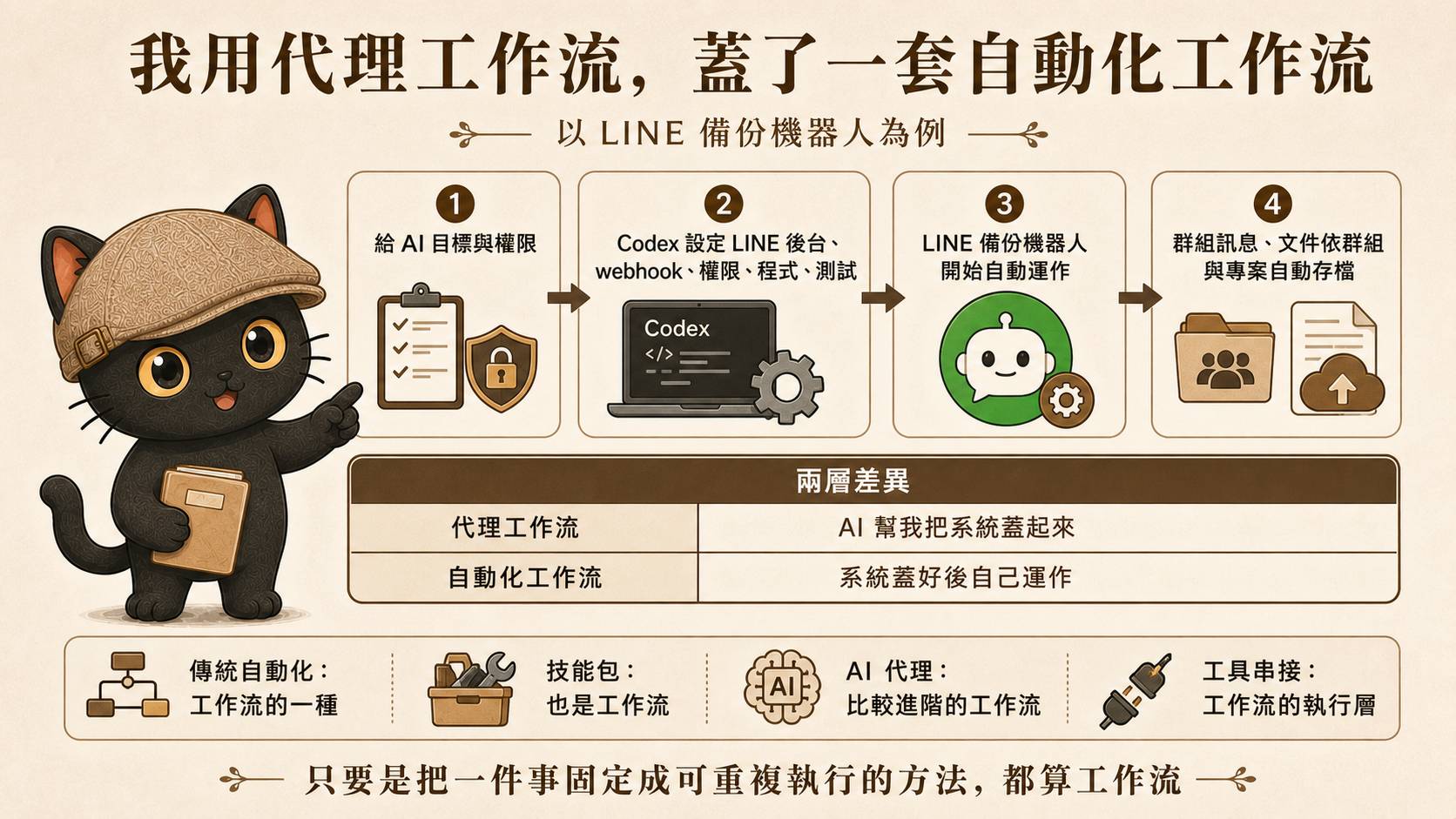
Separating the Two Concepts First
A lot of people lump automation together when they talk about it. I prefer to separate it into two concepts: an Agent workflow is responsible for building the process, while a programmatic automation workflow is responsible for running it once it is built. They require very different things.
Agent Workflow
Bringing a process into existence from nothing: what to connect, how to define the rules, how to test it. This phase I hand to an Agent, because it requires judgment and configuration.
Programmatic Automation Workflow
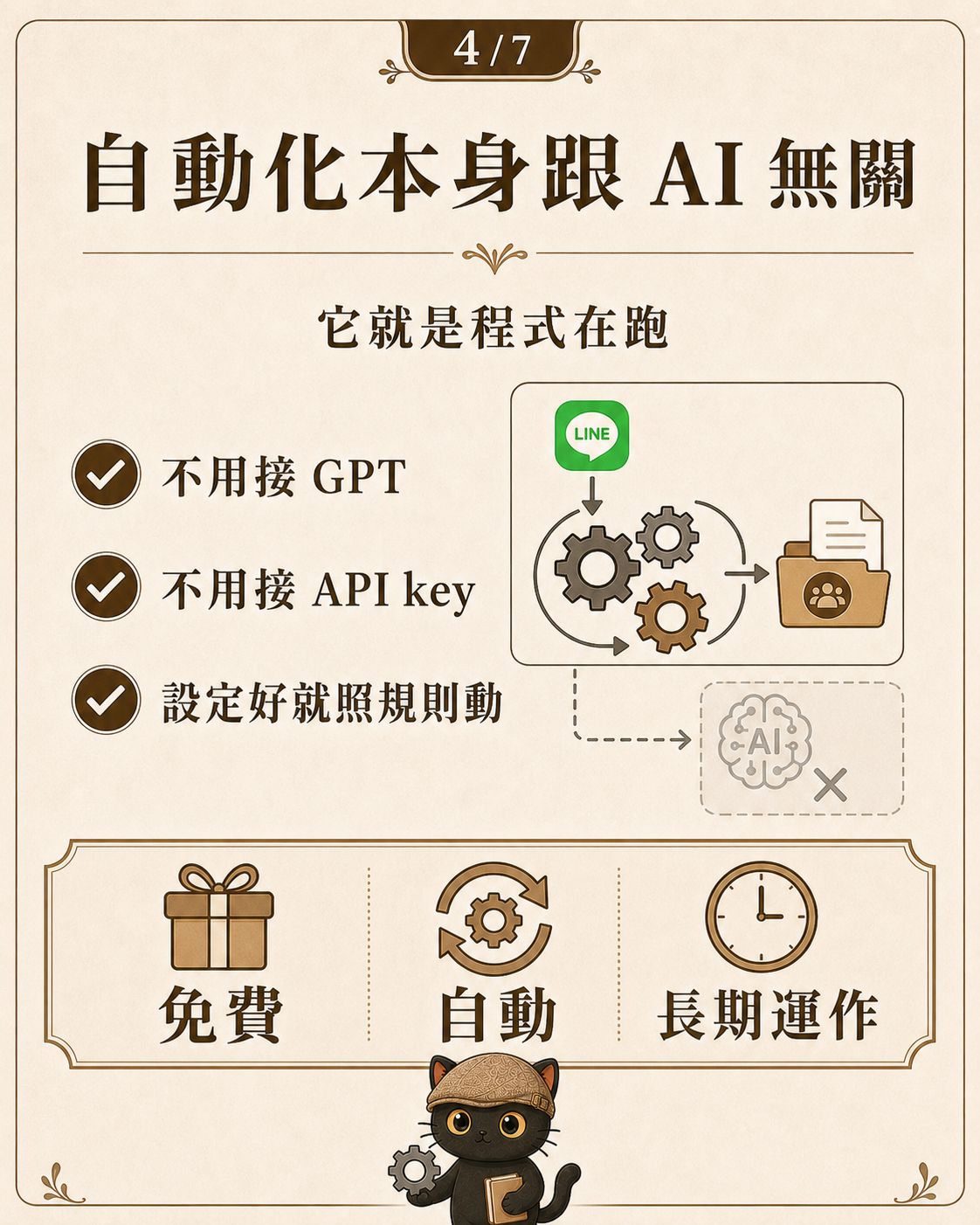
Once the process is configured, code runs it according to the rules. This phase does not need anyone watching it every time, and it does not necessarily involve AI at all.
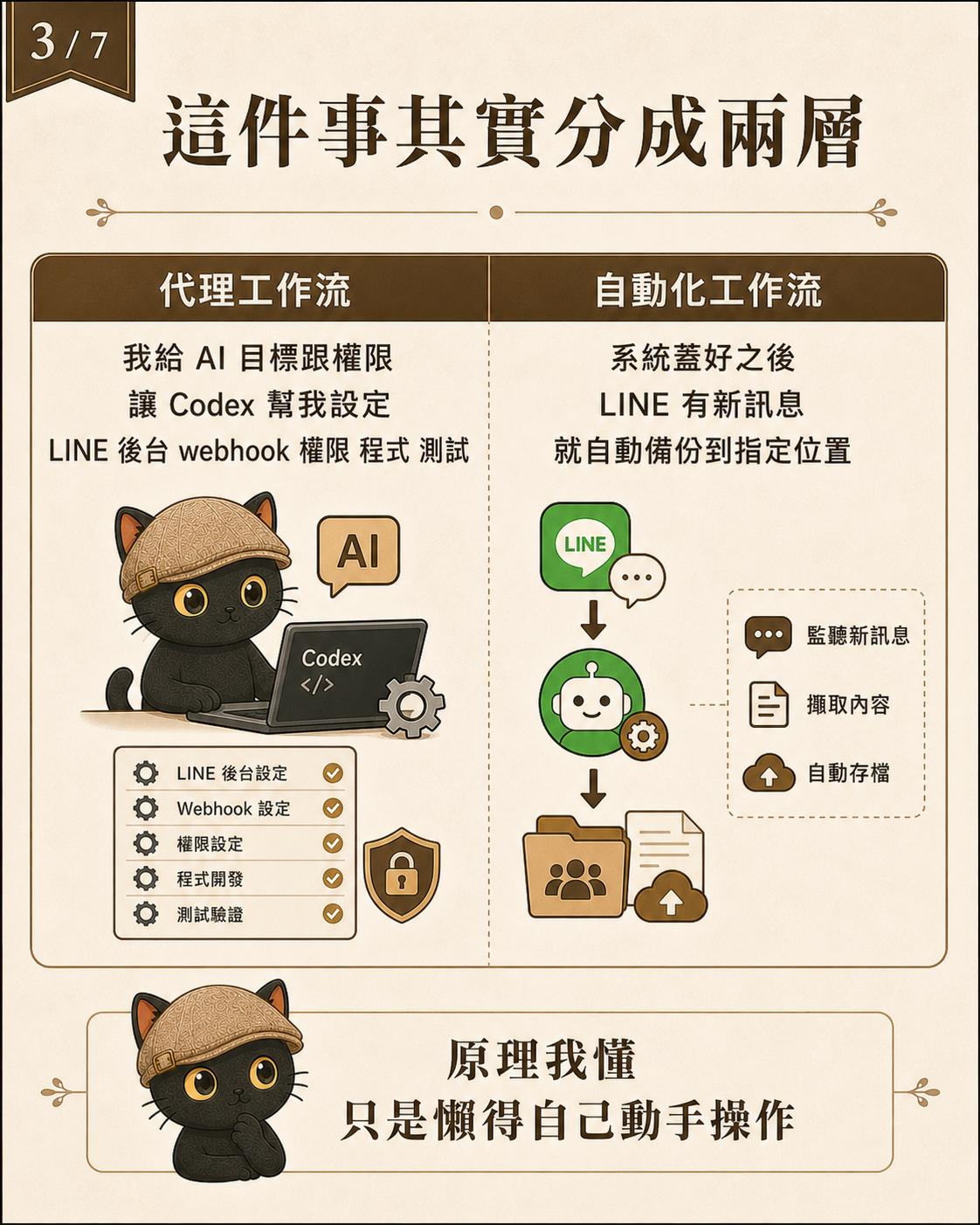
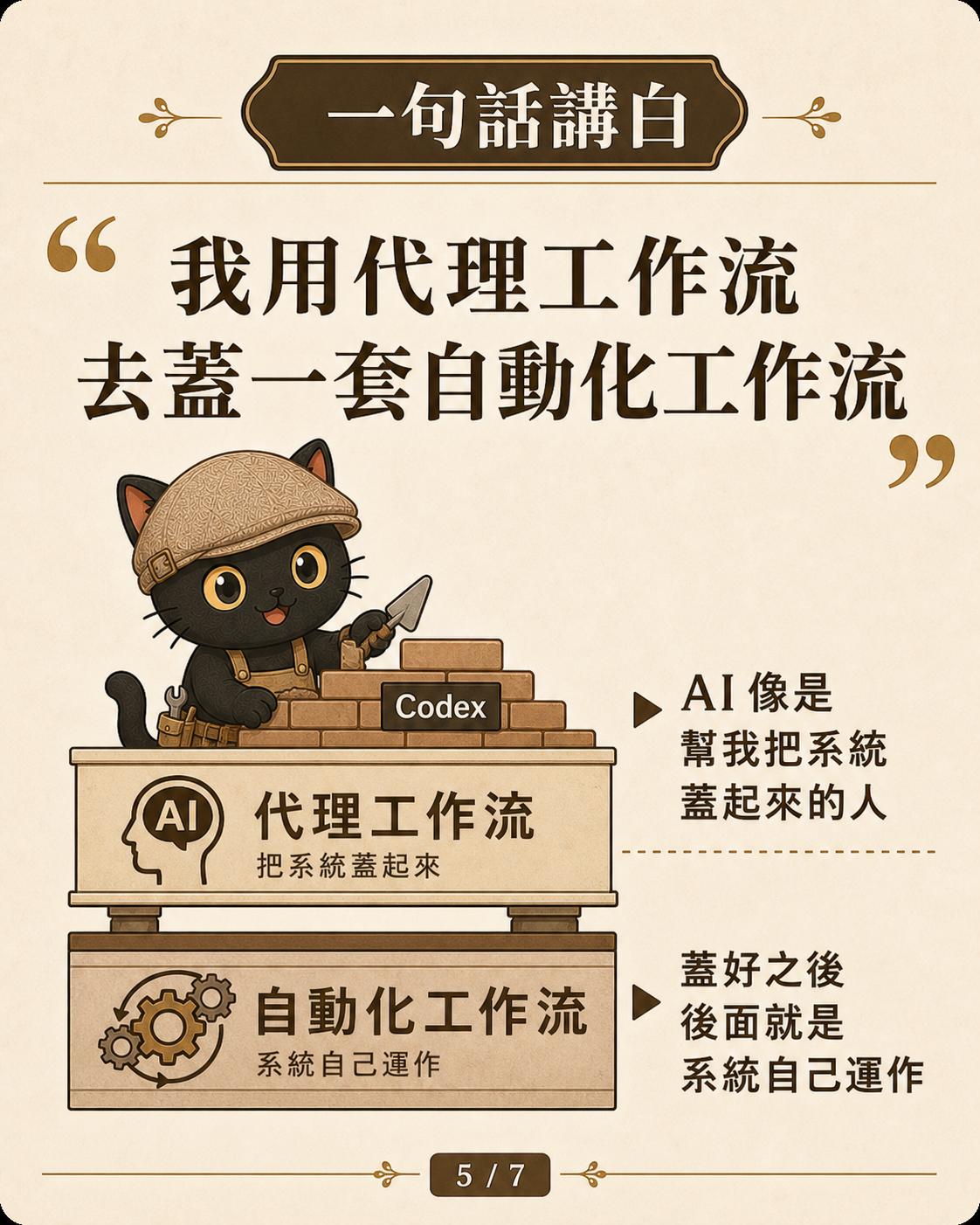
A Real Example: The LINE Backup Bot
I recently used Codex to set up a LINE bot for myself. The goal was simple: every message in the group, timestamped, with sender and any attached files, automatically backed up to my computer, organized by group and project.
Once the LINE backup bot is configured, it is purely code running on its own:
This phase is programmatic automation. It has no direct relationship to AI and does not necessarily require a GPT API key. It just follows the configured rules and keeps running.
So Where Does AI Come In?
AI appears in the earlier phase, when the process is being built.
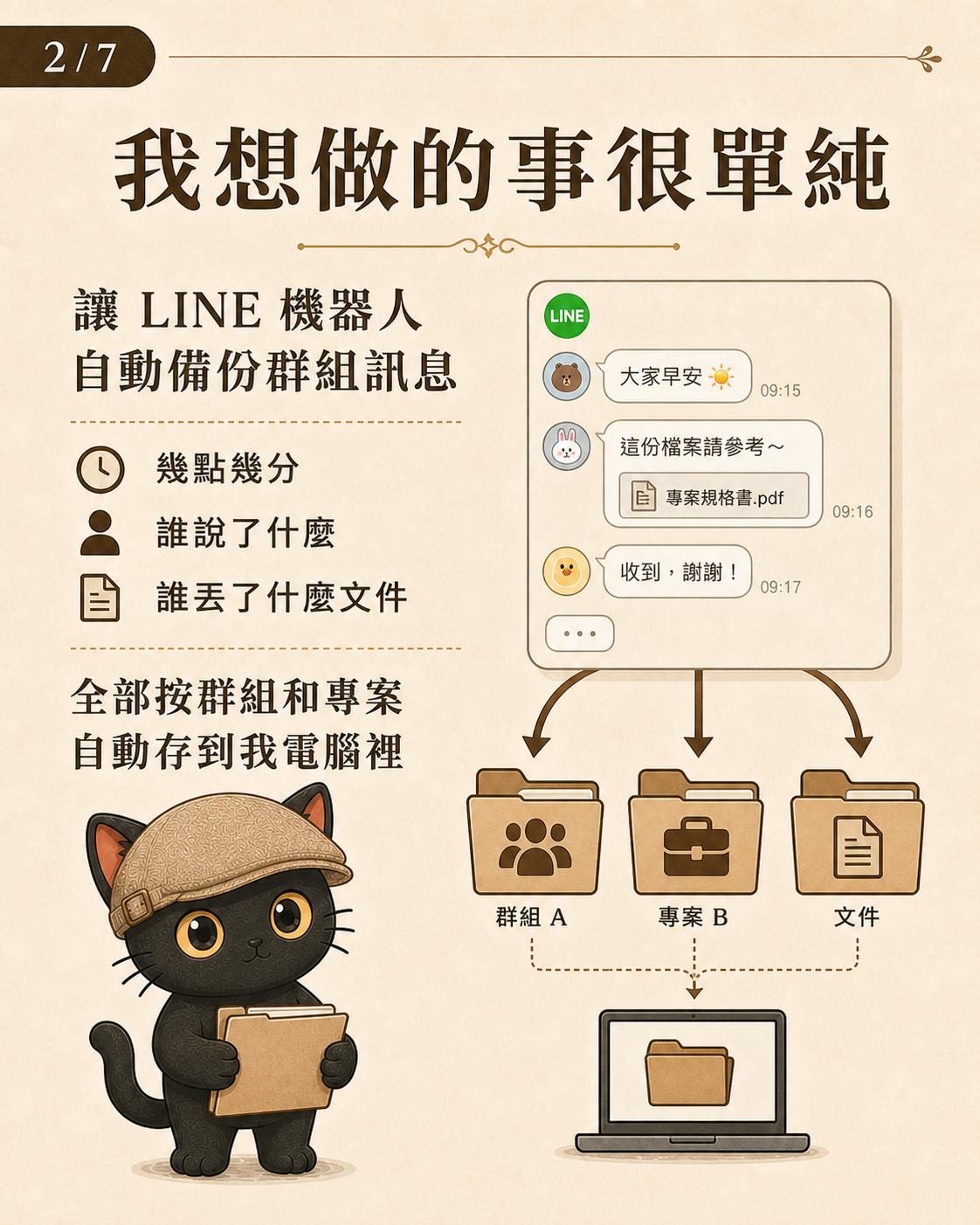
Rather than slowly researching LINE webhooks, permissions, how to wire up the code, and how to test it myself, I simply gave the task to Codex. That is how I now think about it: I used an Agent workflow to build a programmatic automation workflow.
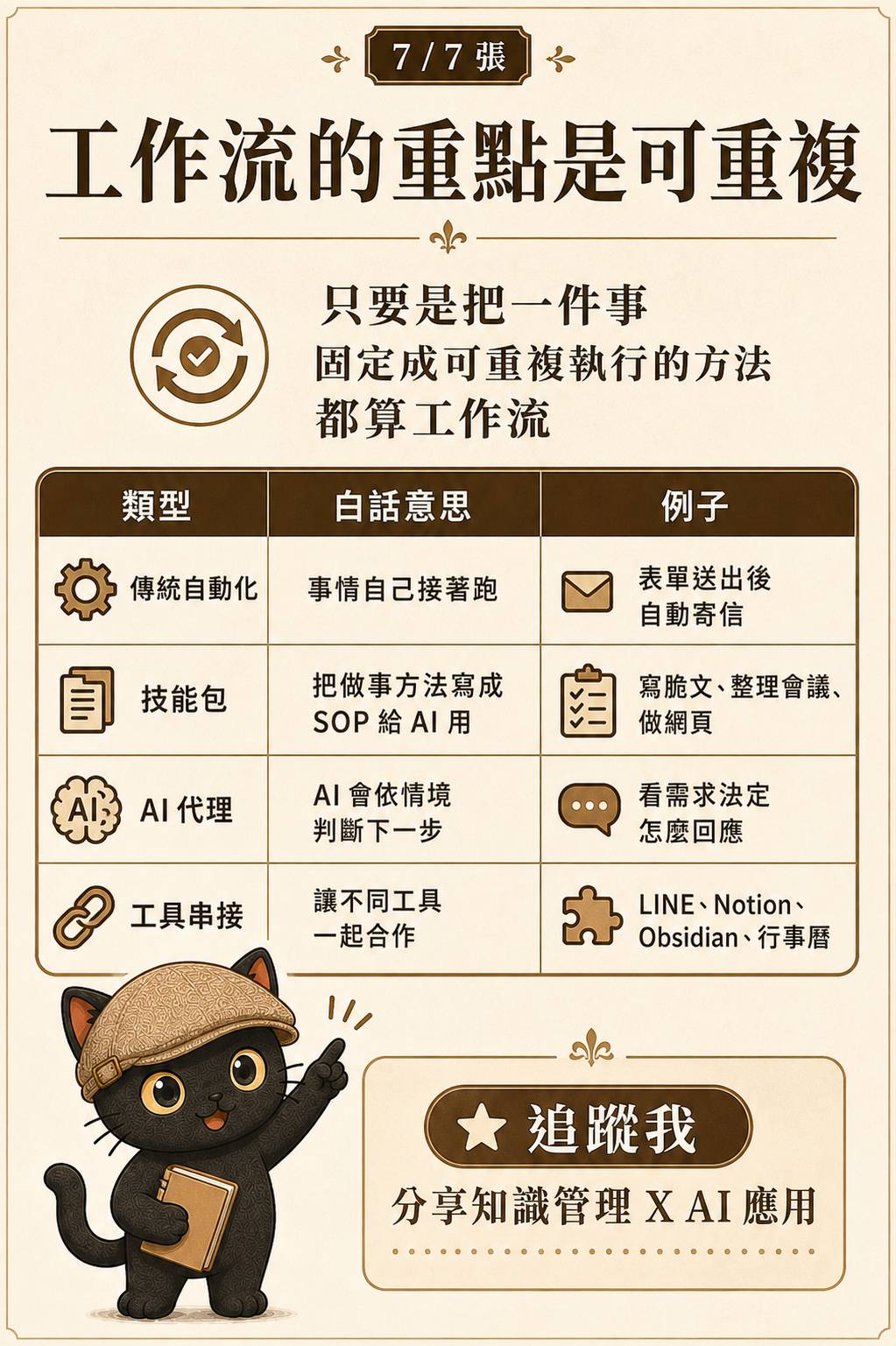
Skills work on a similar principle. They lock down a way of doing something so it can be repeated the next time. That is the core idea behind a workflow: have you turned a task into a system that can be executed again and again?
Arranging these approaches from fixed to flexible, you can see a spectrum: hard-coded scripts, drag-and-drop workflow tools, Skills as reusable operating manuals, and fully autonomous Agents. The more fixed and repetitive the task, the more it belongs at the fixed end of the spectrum. The more variable and judgment-dependent it is, the more it belongs at the flexible end. The LINE backup bot sits firmly at the fixed end; Skills sit somewhere in the middle.
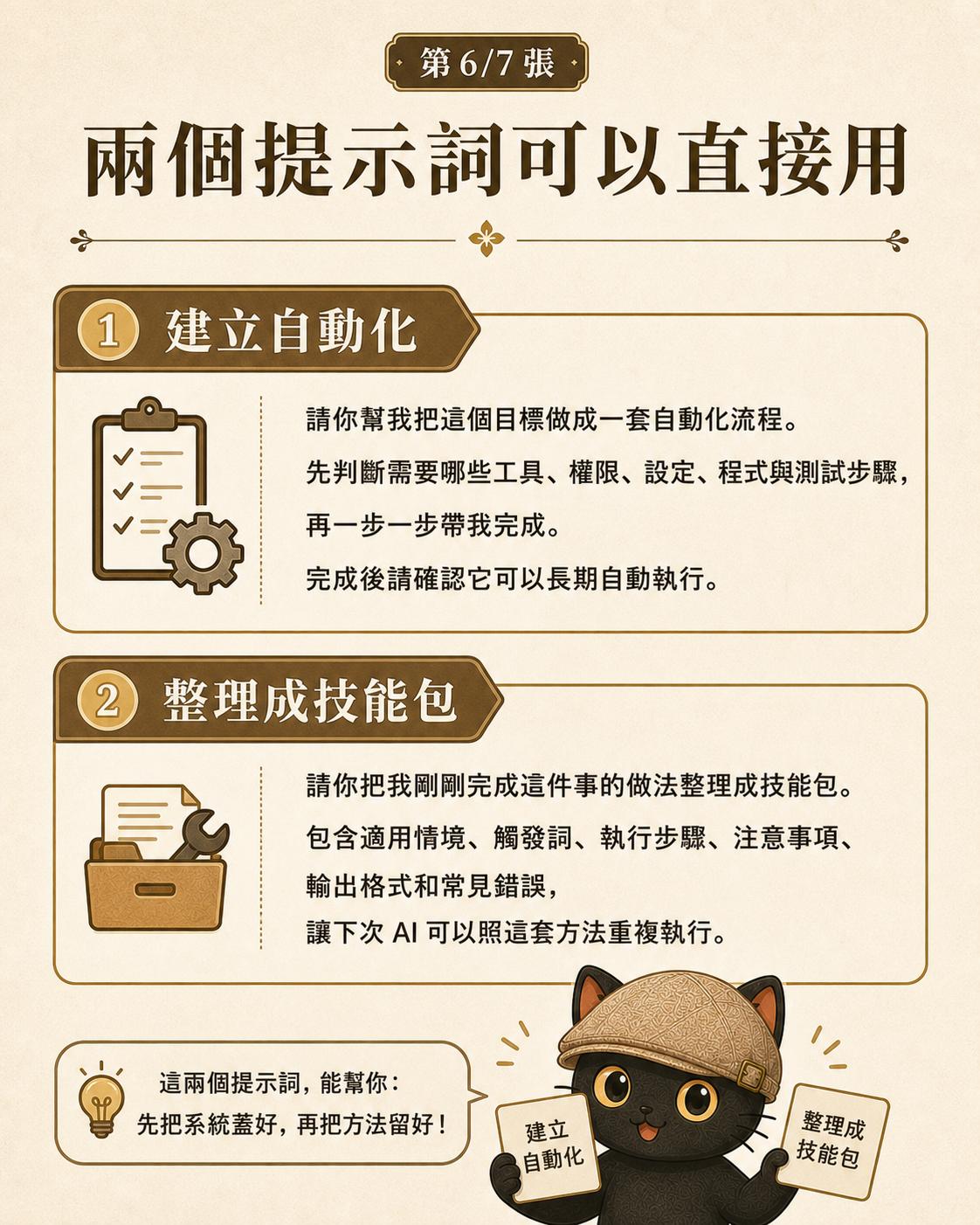
Push it one layer further: write the rules as plain-text documents, the way Skills are written, and you are no longer locked into any single AI. Use Codex today, switch to a different model tomorrow, and as long as it can read the document it can pick up where things left off. What truly persists is that reusable operating manual. Individual conversations come and go. The document stays.
Turn a Task into a System You Can Run Again and Again
Hand the build phase to an Agent workflow. Hand the run phase to a programmatic automation workflow. The real question is: have you turned a task into a process you can repeat next time?
This is what I keep doing for individuals and teams: organizing work into AI-ready processes that can run repeatedly.
Two free talks every month.
Join the LINE Community ↗